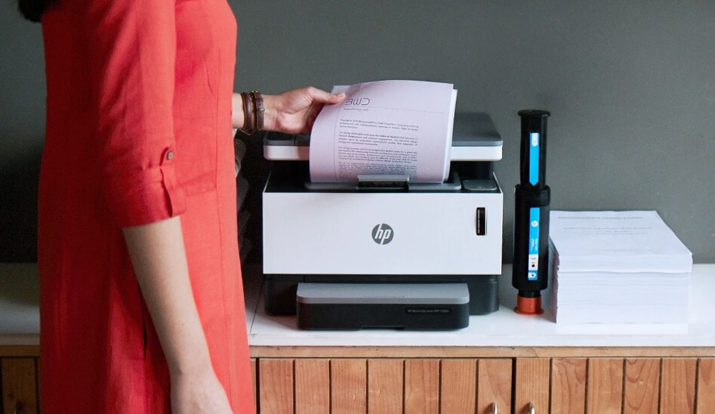
A fuser which is the most important part of any laser printer is actually two heated rollers who are responsible to fuse toner powders onto the papers, now when this Fuser part experience certain problems it sends reports to the DC Controller(the brain of the printers) and then we see the display message of 50.4.
A 50.4 Message displayed on your HP Printers means that the fuser in the printer is transmitting an error state to the DC controller. The error happens on the control panel when the fuser gets too hot or fails to change the temperature. This is the list of the reasons for the HP Printer Error Code 50.4 – A fluctuation rise in the temperature of the fuser of laser printers, or Power circuit problems, Any inconsistency, pressure, heavy loads of files, incorrect papers, or lack of adequate pressure on the printer can also cause a 50.4 error another reason is also Installation of main printer drivers in the wrong format. High Voltages, DC Controller issues, etc.
It can also happen when you likely print the unsupported media file into your printers and the transparencies get covered in the fuser. As a result, it is bound to come in damaged condition and not turn, the error message will display on the print screen. These are the main reasons by which a 50.4message can get triggered.
Troubleshooting 50.4 Error Message In HP
There are many ways to combat this error, however. You can contact HP Printer Customer Support for all assistance you need for HP Printer, as they know well enough what issues you may be facing. Other ways you can do this are mentioned below:
Clean The Printers
Because it is the problem that gets generated from the inside, As happens with many machines, you should check it in deep levels, the toner may get stuck inside or may have jamming errors issues which can generate unnecessary heat inside. Clean your printers often with a cotton swab, gently and thoroughly so that your HP device can run smoothly.
Check The Environmnet of Printer & Restart It
Printers should not be placed in extreme temperatures, they do not work well around radiators or heating climate, also if you are placing your printer in colder regions outside, ensure you give them time to warm up. Restarting too can help you in this, it is basically the first step whenever a device gets heated, so try restarting the hardware, it may solve your problems of 50.4 message.
Check Power Source
It is also required to check that your machines are properly connected to the power sockets and are properly wired through. To get rid of the 50.4 messages, check that if your printers have any loose wires or cables, which can be the reason for transmitting power fluctuations to your hardware.
Fuser Change
Sometimes the assembly itself is responsible for these error messages, look inside your machine check the wires connected to your fusers, try identifying to look for any damages to the fuser component also reset the changes.
Try doing all the methods listed above but if you are still, facing such problems, then you must consider taking on HP Printer Support Number where expert printer HP professionals know about how to deal with such types of glitches efficiently.