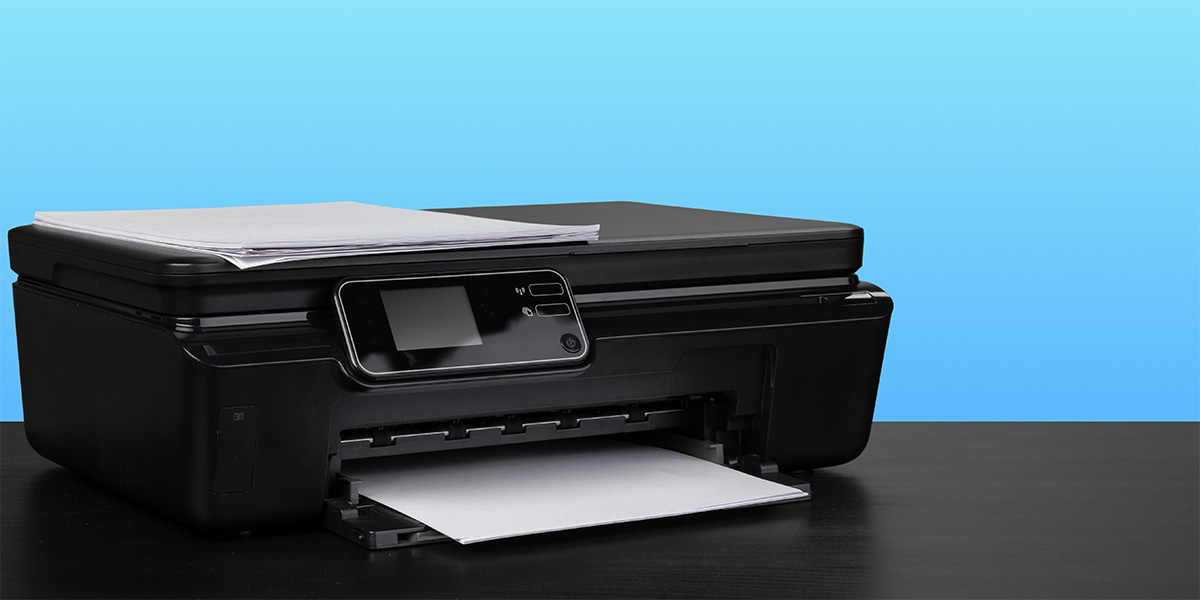
Printers, indispensable devices in offices and homes alike, often encounter hardware failures that disrupt their functionality. Understanding these issues and knowing how to resolve them can save time, money, and frustration. Printer hardware failures encompass a range of issues, each requiring specific attention and troubleshooting. Let’s delve into these problems and explore effective solutions to keep your printer running smoothly.
Paper Jams: One of the most prevalent hardware issues is paper jams. They occur when paper becomes stuck within the printer during the printing process. This can result from using the wrong paper type, loading the paper incorrectly, or internal parts becoming worn. To resolve this, switch off the printer, carefully remove the jammed paper following the manufacturer’s guidelines, and inspect for any torn pieces. Additionally, ensure the paper tray is correctly loaded and aligned.
Print Head Problems: Print heads are crucial components that can encounter issues due to clogs, alignment problems, or electrical faults. A common symptom of print head issues is streaks or missing lines in prints. To address this, run the printer’s cleaning cycle or manually clean the print heads as per the manufacturer's instructions. Avoid using harsh chemicals that could damage the delicate components.
Ink or Toner Cartridge Errors: Problems with ink or toner cartridges can lead to printing inconsistencies or error messages. Cartridges may not be recognized, leak, or provide low-quality prints. Ensure you're using compatible cartridges and that they are correctly installed. Clean the cartridge contacts and replace cartridges if they are old or damaged.
Mechanical Failures: Internal components such as rollers, belts, or gears might wear out over time, leading to mechanical failures. Symptoms may include unusual noises, skewed prints, or constant paper feed issues. Regular maintenance and lubrication can help prevent these problems. However, if such issues arise, consulting a professional technician might be necessary for repairs or replacements.
Connectivity Issues: Problems in connecting the printer to a computer or a network can also be attributed to hardware failures. Faulty cables, USB ports, or network interface cards could be the culprits. Try replacing cables, checking connections, or reinstalling drivers to rectify these issues. Additionally, ensuring firmware and drivers are up-to-date can help resolve compatibility problems.
Overheating or Power Supply Problems: Printers, like any electronic device, can overheat or face power supply issues. This can result in frequent shutdowns or error messages related to temperature. Ensure the printer is placed in a well-ventilated area and not exposed to extreme temperatures. Checking the power source, using surge protectors, and avoiding power fluctuations can help prevent these issues.
In conclusion, understanding the nature of printer hardware failures and implementing appropriate troubleshooting steps can significantly prolong your printer’s lifespan and improve its performance. Regular maintenance, following manufacturer guidelines, and promptly addressing issues as they arise are key to preventing and resolving hardware problems. However, if problems persist or seem beyond your expertise, seeking professional assistance is advisable to avoid further damage. By taking proactive steps and being aware of potential hardware issues, you can ensure your printer remains a reliable and functional asset in your workspace or home.