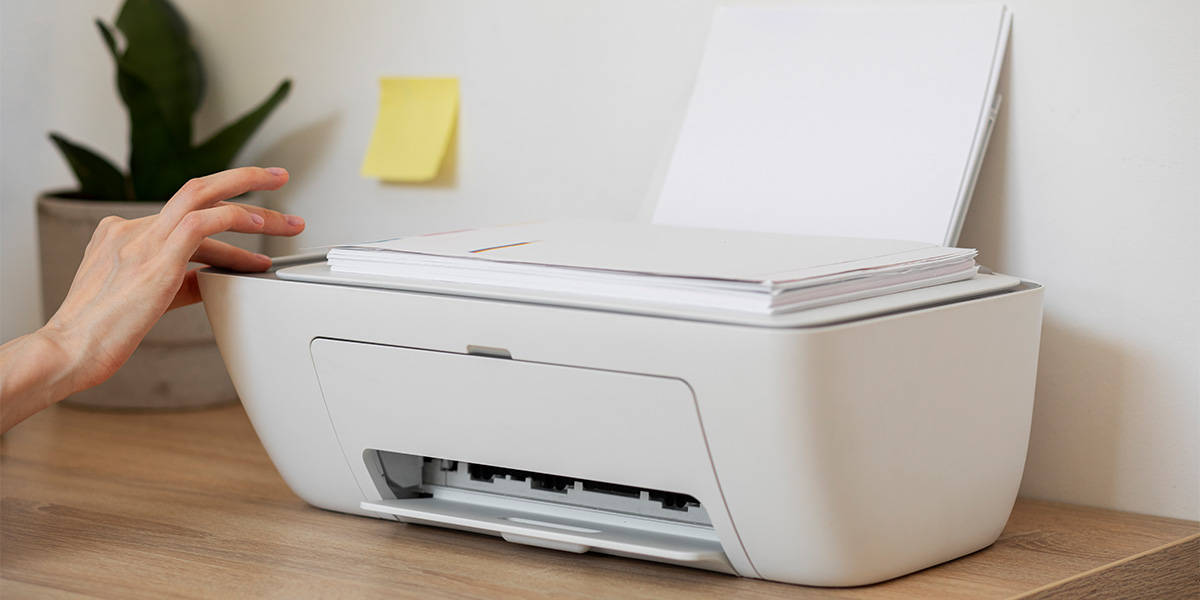
Printers have become an essential part of our daily lives, whether for personal or professional use. However, they can be a source of frustration when they encounter issues. From paper jams to connectivity problems, printer malfunctions can disrupt productivity. In this comprehensive guide, we'll delve into troubleshooting common printer issues and provide effective solutions to resolve them.
- Paper Jams: One of the most frequent printer problems is paper getting stuck. Start by turning off the printer and carefully removing the jammed paper. Ensure that no torn pieces are left inside. Align the paper properly in the tray, avoiding overloading, and use high-quality paper to prevent future jams.
- Slow Printing: If your printer is taking too long to print, check for large file sizes, outdated drivers, or printer settings. Adjust the settings for a lower print quality if the document doesn’t require high resolution. Updating drivers and using a direct connection instead of Wi-Fi can also speed up the process.
- Poor Print Quality: Fuzzy, faded, or streaked prints can be frustrating. Perform a printer cleaning cycle to clear clogged nozzles for inkjet printers. For laser printers, ensure the toner cartridge is properly seated and not running low on toner. Calibrate the printer to improve overall print quality.
- Connectivity Issues: Printers often encounter connectivity problems, especially in wireless setups. Verify that the printer is connected to the Wi-Fi network and isn't too far from the router. Restart the router, reconnect the printer to the network, and ensure the printer software is up-to-date.
- Printer Offline: Sometimes, the printer appears offline even when it's properly connected. Check the printer status on your computer and set it to online mode. Restart both the printer and the computer if needed. Verify cables and connections for any issues.
- Driver Problems: Outdated or corrupted printer drivers can cause functionality issues. Update drivers regularly through the manufacturer's website or using driver management software. Uninstall and reinstall the printer if necessary, ensuring compatibility with your operating system.
- Spooler Errors: Print spooler errors can halt printing tasks. Restart the print spooler service on your computer. Clear the print queue of any pending jobs that might be causing the issue. Resetting the spooler service often resolves these problems.
- Ink or Toner Issues: When the ink or toner levels are low, it affects print quality or leads to blank pages. Replace or refill cartridges as needed. Ensure cartridges are correctly installed and are compatible with your printer model.
- Unidentified Errors: Sometimes, printers display error codes or messages that aren’t clear. Refer to the printer manual or manufacturer's website to decode these errors. Restart the printer and follow the suggested troubleshooting steps provided.
In conclusion, understanding and troubleshooting common printer problems can save time and frustration. Regular maintenance, using quality supplies, and staying updated with drivers and software are essential practices to prevent and address printer issues. Remember, if the problem persists despite troubleshooting, seeking professional assistance or contacting the manufacturer's support can provide further guidance.
By following these tips and solutions, you can overcome common printer issues and keep your printing tasks running smoothly, ensuring efficient and hassle-free printing experiences.