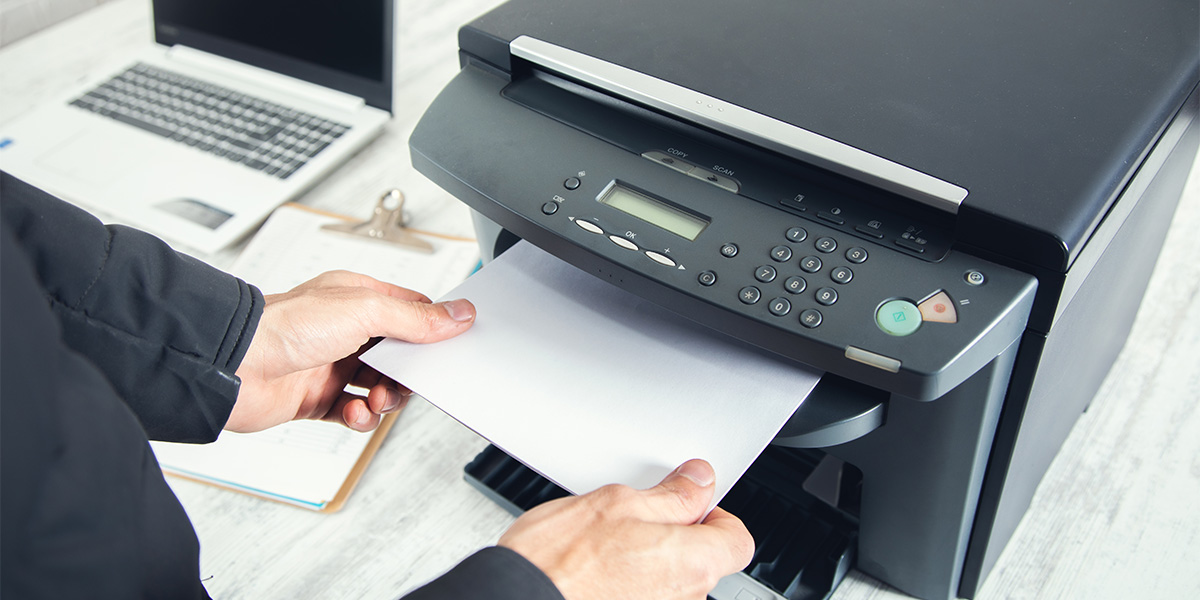
In today's digital age, printers remain indispensable tools for homes and offices, but selecting the right printer and troubleshooting its problems can be daunting. With an array of options available, each boasting different features and functions, finding the perfect printer requires careful consideration. Additionally, understanding how to tackle common printer issues ensures a smoother printing experience. Let's delve into the process of choosing the right printer and addressing some prevalent problems encountered in the printing realm.
Choosing the Right Printer:
Selecting a printer involves assessing your specific needs and preferences. Here's a breakdown to guide you through the decision-making process:
Purpose and Usage:
Identify whether the printer will serve personal, professional, or multifunctional purposes. Determine if you require basic printing, scanning, copying, or faxing capabilities.
Printer Type:
- Inkjet Printers: Ideal for vibrant photo printing and occasional document needs.
- Laser Printers: Suited for high-volume printing, delivering crisp text quality.
- All-in-One (AIO) Printers: Combining printing, scanning, copying, and sometimes faxing in one device for multifunctional convenience.
Connectivity:
Consider connectivity options like USB, Ethernet, Wi-Fi, or mobile printing capabilities based on your preference and convenience.
Printing Speed and Quality:
Evaluate the printer's speed, measured in pages per minute (PPM), and resolution for your expected print volume and quality requirements.
Cost Considerations:
Assess initial purchase costs, ongoing expenses like ink or toner, and potential maintenance costs to determine the most cost-effective choice.
Brand and Reviews:
Research different printer brands, read reviews, and consider reliability, customer service, and available warranties before making a decision.
Fixing Common Printer Problems:
Regardless of the printer type or brand, users often encounter similar issues. Here are solutions to tackle some prevalent printer problems:
Paper Jams:
- Gently remove the jammed paper following the printer's manual instructions.
- Ensure the paper is aligned correctly in the tray to prevent future jams.
Print Quality Issues:
- Run a printer cleaning cycle to resolve faded prints or streaks.
- Check and replace ink or toner cartridges if they are low or expired.
Connectivity Problems:
- Restart the printer, computer, and router to refresh the connection.
- Ensure the printer and device are on the same network and update printer drivers if needed.
Slow Printing:
- Adjust print quality settings for faster output.
- Upgrade the printer's memory, if possible, to improve processing speed.
Driver Issues:
- Update or reinstall printer drivers from the manufacturer's website to fix compatibility problems.
Network Configuration:
- Verify network settings and reconfigure if the printer is not detected on the network.
- Assign a static IP address to the printer for consistent connectivity.
Conclusion:
Choosing the right printer involves understanding your requirements while troubleshooting printer problems requires patience and a systematic approach. By considering your needs and following troubleshooting steps, you can ensure a smoother printing experience, maximizing the efficiency and longevity of your chosen printer.
In conclusion, making an informed decision when selecting a printer and familiarizing yourself with common troubleshooting techniques empowers you to overcome printing challenges and optimize your printing setup for seamless functionality.